도움이 필요할 때
10 Habits 지원
루틴 설정, 알림, 기록에 관한 문의를 보내 주세요. iPhone 모델, iOS 버전, 문제가 생긴 순서를 함께 알려주시면 확인하는 데 도움이 됩니다. 비밀번호나 민감한 기록은 보내지 않아도 됩니다.
macat.universe@gmail.com자주 묻는 질문
루틴을 오늘 다이얼에 넣으려면?
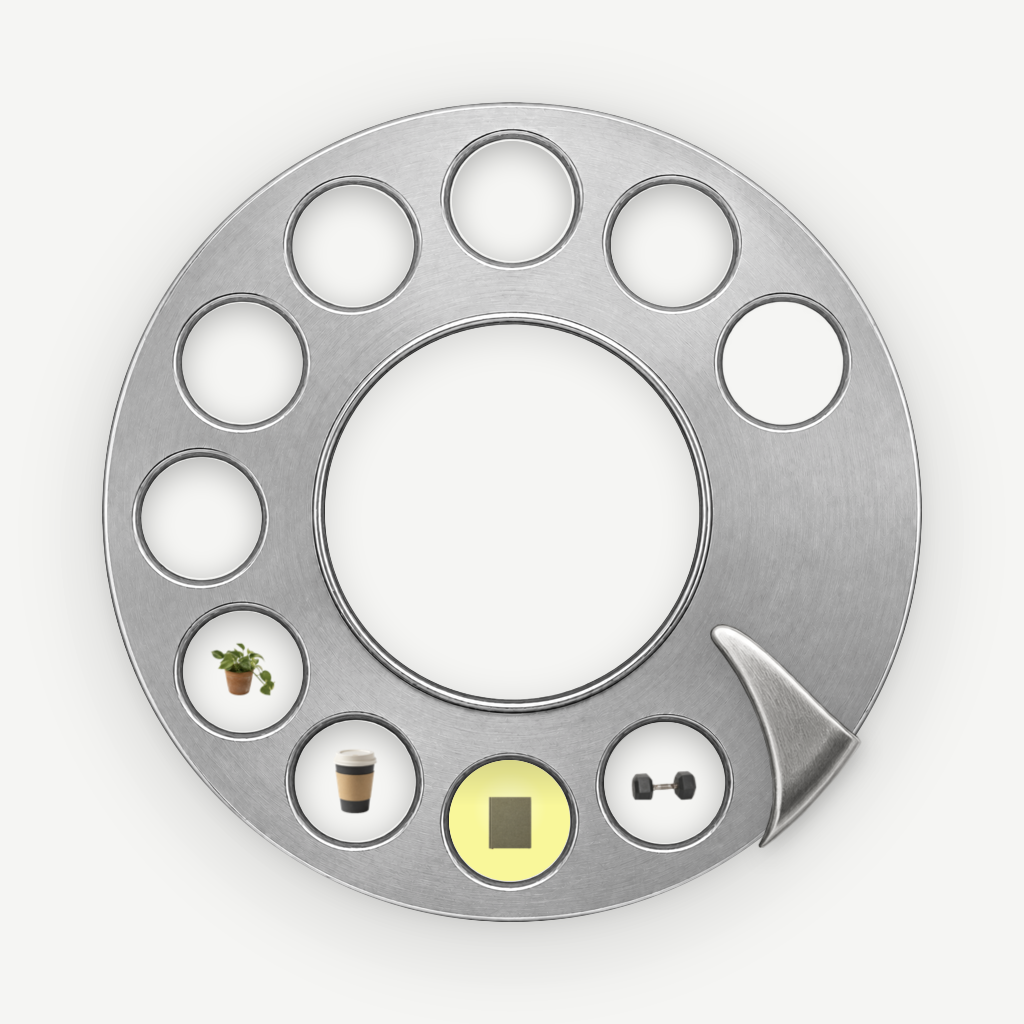
02 루틴에서 이름을 입력하고, 배치할 항목을 선택하세요. 오늘·내일·날짜·요일 중 원하는 자리를 고른 뒤 적용하면 됩니다. 하루 다이얼에는 열 자리가 있습니다.
잘못 누른 완료를 취소하려면?
완료 직후 나타나는 취소 버튼을 누르세요. 버튼이 사라졌다면 다이얼의 해당 루틴을 길게 눌러 ‘오늘 완료 취소’를 선택할 수 있습니다.
알림이 울리지 않아요.
루틴의 시간과 알림 설정, 반복 요일 또는 날짜 배치를 확인하세요. 알림 권한은 iPhone 설정에서 관리할 수 있습니다. 알림을 허용하지 않아도 루틴 기록 기능은 사용할 수 있습니다.
iCloud 동기화는 어떻게 확인하나요?
같은 Apple 계정으로 로그인했는지, iCloud를 사용할 수 있는지 확인하고 앱 설정의 iCloud 상태를 살펴보세요. 연결 상태에 따라 동기화에 시간이 걸릴 수 있습니다.
루틴을 삭제하면 기록도 지워지나요?
루틴 삭제와 과거 활동 기록 삭제는 다릅니다. 루틴을 보관하거나 삭제해도 과거 기록은 남을 수 있습니다. 앱 삭제만으로 iCloud 데이터까지 모두 지워지는 것은 아닙니다.
공유 카드는 백업인가요?
공유 카드는 오늘 다이얼의 이미지입니다. 전체 데이터를 복원할 수 있는 백업 파일은 아닙니다.
Help with the app
10 Habits Support
Contact us about routines, reminders, or activity records. Include your iPhone model, iOS version, and the steps that led to the issue. You do not need to send passwords or sensitive routine content.
macat.universe@gmail.comGetting started
Open 02 Routines, enter a name, select the routines to place, and choose today, tomorrow, a date, or weekdays. Apply the selection to your dial. Each day has ten places.
Undoing a check
Use the undo button immediately after checking a routine. Later, press and hold its dial position and choose to undo today's completion.
Reminders and sync
Check the routine's time, reminder permission, and scheduled days. Recording routines works without reminder permission. For iCloud sync, check the Apple account and the iCloud status in the app's settings. Connection conditions may affect sync timing.
Records and sharing
Archiving or deleting a routine may preserve past activity. Uninstalling the app does not guarantee removal of iCloud data. A shared dial card is an image, not a full backup for restoring your data.